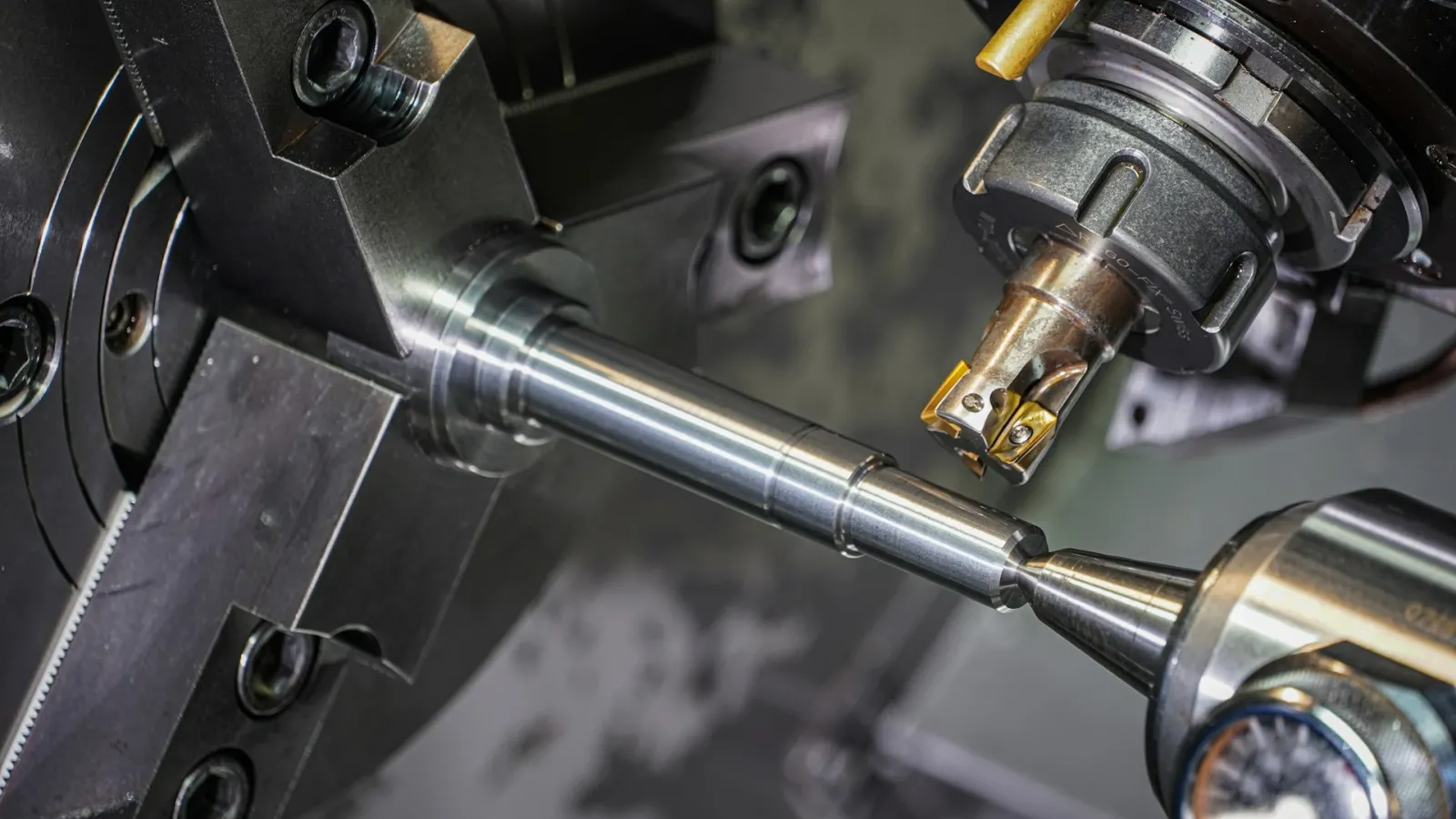
When the purchasing manager of a metalworking shop orders cutting inserts, they have more than just a code in mind. Which material they will machine, which insert the holder on the machine takes, whether they will be roughing or finishing, and how many pieces come in a box are all part of the decision. What makes cutting tool sales difficult is that all of this information has to be right at the same time.
In our earlier article on dealer portals for cutting tool companies, we covered the basics such as searching by insert code, core filters, and catalog PDFs. In this article, we go one step further: how technical parameters should be modeled in the portal, how to set up compatibility between inserts and holders, and the details that come with selling by the box.
Why Technical Data Doesn't Fit in a Product Name
At many companies, cutting tools are recorded in the ERP under a long product name: the code, grade, coating, and dimensions are written side by side on the same line. This works well enough for invoicing, but it falls short when customers need to find a product. That's because the customer thinks "for steel, 0.8 corner radius, medium roughing," and doesn't search for those words inside a product name.
The solution is to pull technical information out of the product name and move it into separate attribute fields. When each attribute is its own field, filtering, comparison, and compatibility rules become possible. This is the most valuable data work to do before implementation.
ISO Material Groups: The Main Axis of Filtering
The first question in choosing a cutting tool is "what will be machined?" The industry answers this question with six material groups defined in ISO 513 and also identified by color. These groups should be the main axis of filtering in the portal.
| Group | Workpiece material | Why should it be a separate filter in the portal? |
|---|---|---|
| P (blue) | Steels | This group has the widest product range; choosing is difficult without narrowing down to the right grade. |
| M (yellow) | Stainless steels | Their tendency toward built-up edge and work hardening requires different geometries and grades. |
| K (red) | Cast irons | Short chips and an abrasive structure favor grades with high wear resistance. |
| N (green) | Aluminum and non-ferrous metals | They require special geometries such as sharp edges and polished surfaces. |
| S (orange) | Heat-resistant superalloys and titanium | Aerospace and medical customers look for products specific to this group. |
| H (gray) | Hardened steels | Different cutting materials such as ceramics and CBN come into play. |
A product can be used in more than one group, so the material group field should allow multiple selections. In addition, if you can distinguish between primary and secondary applications for each group, customers will see the most suitable product at the top of the list.
Grade and Coating: Same Geometry, Different Product
An insert with the same geometry is sold as separate products with different carbide grades and coatings. CVD and PVD coatings, where the grade sits between toughness and wear resistance, and the application type (roughing, medium, finishing) should each be kept in separate fields. That way, customers can choose the geometry first and then the grade, and see on a single screen which grades of the same insert are in stock.
Insert and Tool Holder Compatibility
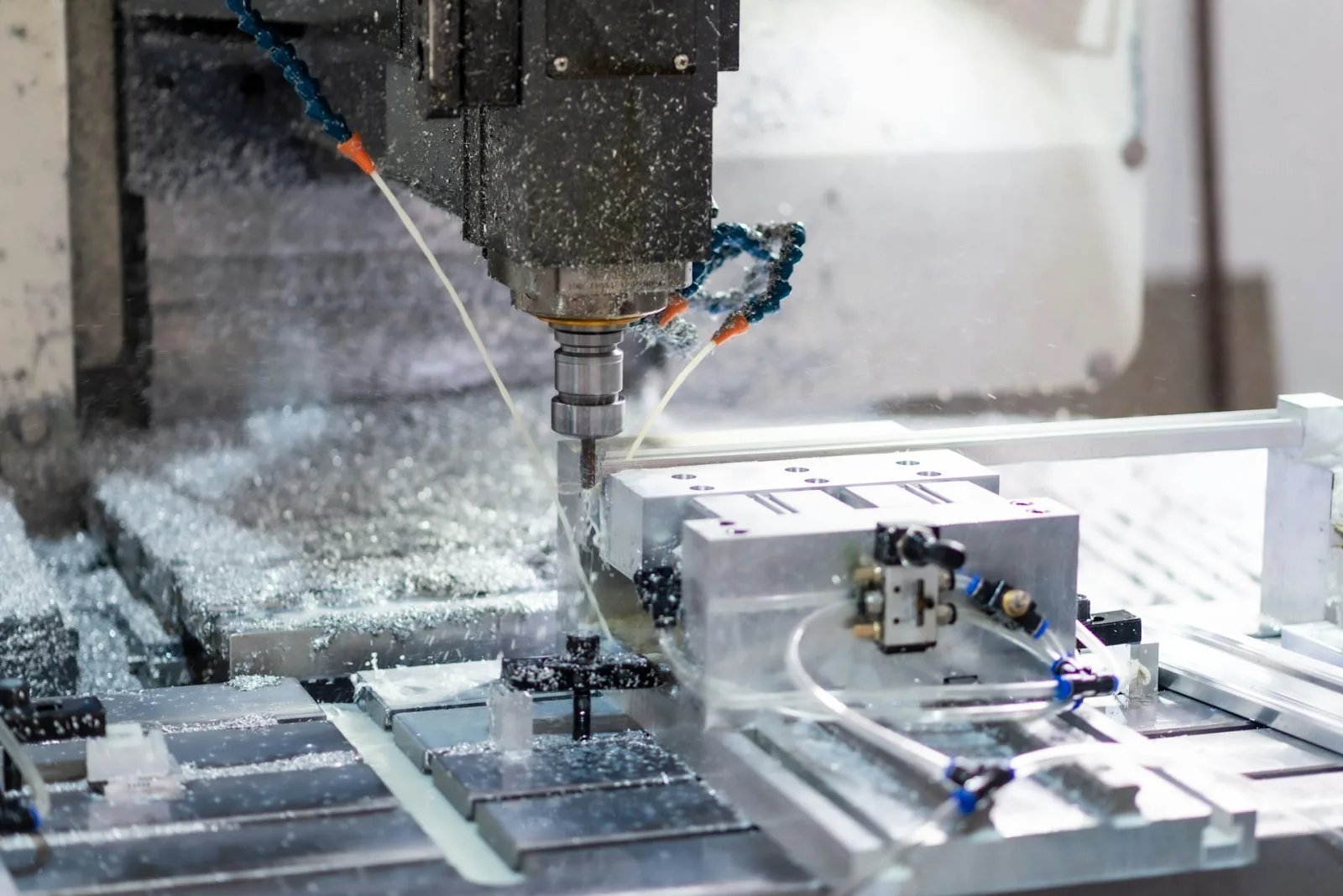
One of the most common mistakes in cutting tools is ordering an insert that doesn't fit the holder on the machine. The ISO designation system provides a strong foundation for establishing this compatibility. For example, each character in the designation CNMG 120408 carries information:
- C: Insert shape (80-degree rhombus)
- N: Clearance angle (0 degrees, negative insert)
- M: Tolerance class
- G: Hole and chip breaker type
- 12: Cutting edge length (approximately 12 mm)
- 04: Thickness (approximately 4.76 mm)
- 08: Corner radius (0.8 mm)
Holders follow a similar structure; for example, the designation PCLNR 2525M12 shows that the holder takes C-shaped, negative, size 12 inserts. In a well-designed portal, this relationship should work in both directions:
- When a customer is on a holder's page, they should be able to see the inserts that fit it, along with grade and chip breaker options.
- When a customer is on an insert's page, they should be able to see the holders that take it, plus any spare parts such as screws and shims.
This matching can be derived with rules from the characters in the code structure, or maintained with a compatibility table imported from the supplier catalog. Which method to use is decided during implementation, based on how your product data is organized. What matters is that compatibility lives in the system, not in the sales rep's memory.
Box Quantities, Order Multiples, and Unit Price
Cutting inserts are mostly sold in boxes of 10; some special inserts come in packs of 5 or individually. Drills and end mills, on the other hand, are usually sold one by one. If this difference isn't clearly visible on the order screen, two kinds of errors occur: the customer thinks they ordered 10 pieces when they actually ordered 10 boxes, or the warehouse has to break open a box and ship loose pieces.
- The sales unit (piece, box) and the quantity per box should be clearly shown for every product.
- Order multiples should be defined; for a product sold by the box, entering a split quantity such as 7 pieces should be blocked.
- Prices should be shown both per box and per piece; customers compare different brands based on the per-piece price.
- Minimum and maximum order quantities prevent stock from going to a single customer, especially for promotional products.
How Metalworking Customers Buy
Cutting tools are consumables for metalworking companies. A shop consumes the same inserts in similar quantities every month. A B2B portal should meet this buying habit with the following capabilities:
- Reorder and frequently purchased lists: Customers shouldn't have to search for the same items one by one every month.
- Bulk ordering via Excel: Many shops track their tooling needs in their own spreadsheets; ordering by uploading that list saves time.
- Project-based quotes: For a customer taking on a new part job, you should be able to prepare a PDF quote and track its versions.
- Access to technical documents: Cutting speed and feed recommendations should sit right next to the product. We also explained why adding PDFs to product details matters.
Selling Cutting Tools With Multistok B2B
Multistok B2B offers two-way stock and price synchronization with your ERP, customer-specific price lists and discounts, bulk ordering via Excel, PDF quotes with version tracking, lot and serial number tracking, and a field sales rep app that works offline. AI-powered product recommendations help cross-sell products that are used together. The setup of technical attribute fields, filters, and insert-holder matching is configured during implementation according to the structure of your product data. Companies selling machinery and industrial products can find other scenarios on our machinery and industrial sector page.
Conclusion
In cutting tools, the success of B2B software depends on how well organized the technical data is. When ISO material group, grade, coating, and dimensions sit in separate fields, customers reach the right product fast; when insert-holder compatibility is built into the system, wrong orders decrease; and when boxes and order multiples are clear, the warehouse and the customer speak the same language. Fastener companies face a similar density of variants.
If you'd like to see how it would work with your own catalog, request a free demo.
Frequently Asked Questions
What Do the ISO P, M, K, N, S, and H Groups Mean?
They are groups that classify the material to be machined: P is steel, M is stainless steel, K is cast iron, N is aluminum and non-ferrous metals, S is superalloys and titanium, and H is hardened steel. They are used as the first filter when selecting cutting tools.
How Is Insert and Holder Compatibility Shown in the Portal?
Matching is done either with rules based on the shape, clearance angle, and size information in the insert and holder codes, or from the supplier's compatibility table. Customers see the matching inserts on a holder's page and the matching holders on an insert's page.
How Can We Prevent Wrong Quantity Entries for Products Sold by the Box?
Clearly showing the sales unit and quantity per box, defining order multiples, and blocking split quantity entries largely eliminate this error.
What Should We Do if Our Existing Product Data Is Messy?
Before implementation, the most effective starting point is to separate technical attributes from the product name and move them into separate columns. This work can be done in Excel and then bulk-imported into the system.