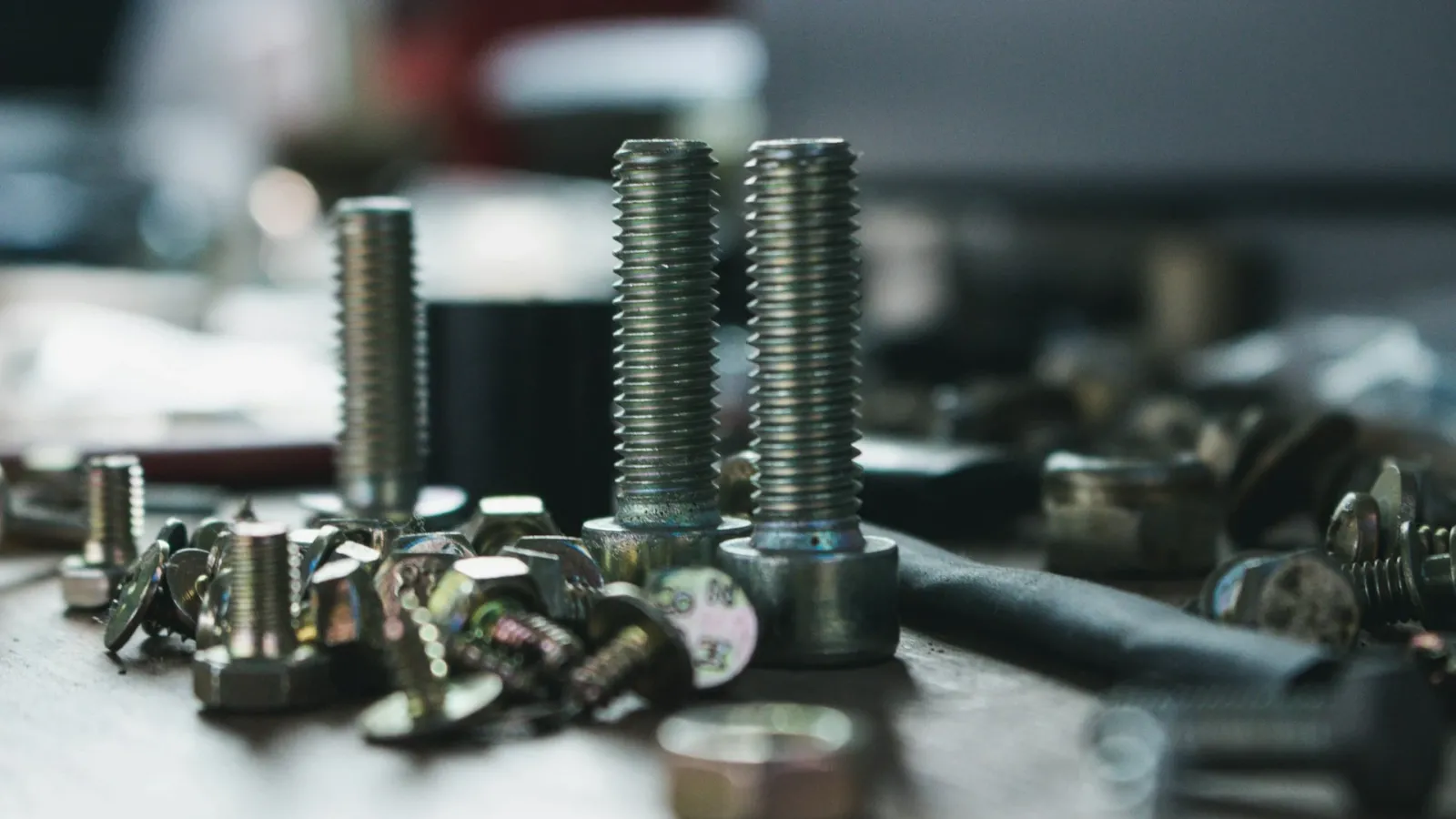
Someone looking at a fastener company's catalog from the outside says "bolts, nuts, washers" and moves on. Someone on the inside knows it means tens of thousands of line items. A single hex head bolt splits into hundreds of different products by diameter, length, standard, property class, coating, and thread type. And dealers or industrial customers place their orders specifying every one of these details.
In this article, we look at the real headaches fastener companies face in B2B software: standard equivalents, variant management, property class and coating data, and unit conversions between boxes, pieces, and kilograms.
The Language of Standards: DIN and ISO Equivalents
In fasteners, the first piece of information that defines a product is its standard. DIN numbers are still what people talk about most in the field, but for many products ISO standards have taken their place. Customers search with whichever one they know, so the portal needs to recognize both.
| Product | DIN | ISO equivalent |
|---|---|---|
| Hex head bolt, fully threaded | DIN 933 | ISO 4017 |
| Hex head bolt, partially threaded | DIN 931 | ISO 4014 |
| Socket head cap screw (cylindrical head) | DIN 912 | ISO 4762 |
| Hex nut | DIN 934 | ISO 4032 |
| Flat washer | DIN 125 | ISO 7089 |
There's a subtlety to keep in mind here: DIN and ISO equivalents are not always exactly identical. Some sizes differ in details such as wrench size or nut height. That's why it's more accurate to present the equivalence not as "the same product" but as "the corresponding standard," and to note the differing dimensions in the product details.
Managing Thousands of Variants
The soundest way to structure products in fasteners is to separate the parent product from its variants. The parent product is "DIN 933 hex head bolt"; diameter, length, property class, and coating are variant attributes. The customer first selects the parent product, then narrows down the attributes to reach the right line item.
- Diameter and thread: Metric diameters such as M6, M8, and M10 and coarse or fine thread information should be kept in separate fields. For M10, the coarse thread pitch is 1.5 mm, while the fine thread can be 1.25 mm; that means two different products with the same diameter.
- Length: This should be a sortable numeric field in millimeters. Customers should also be able to type notation like "M10x30" into the search box.
- Material: Options such as carbon steel, stainless steel (A2, A4), and brass should be a separate filter.
- Matrix view: A table view with diameters in rows and lengths in columns lets customers order multiple sizes from the same family on a single screen.
Property Class and Coating: Where Ordering Errors Come From
A bolt's property class determines the load it can carry. In an 8.8 grade bolt, the first number indicates a nominal tensile strength of about 800 MPa, and the second number expresses the ratio of yield strength to tensile strength (0.8). 10.9 and 12.9 are higher strength classes. For nuts, classes such as 8 and 10 should be chosen to match the bolt they pair with.
Coating matters at least as much as property class. Electro-galvanized (clear or yellow), hot-dip galvanized, zinc flake coating, and black oxide each mean different corrosion resistance and a different price. Some combinations need to be considered together from a technical standpoint: for example, hot-dip galvanized bolts are used with nuts tapped to a suitable oversize tolerance because of the coating thickness.
Here's what this information should do on the portal:
- Property class and coating are offered as separate filters rather than buried in the product name.
- The bolt page suggests compatible nuts and washers, so the customer can add the set to the cart in one go.
- For orders that require certification, a material certificate or inspection document is shared as a PDF in the product details.
- Lot number tracking makes it possible to trace which batch went to which customer, making retrospective investigation easier in case of a complaint.
Boxes, Pieces, and Kilograms: Unit Conversions
Units are the most confusing topic in fastener sales. The same product may be sold to one customer by the box, to another by the piece, and to yet another by the kilogram. Small sizes usually ship in boxes of 100 or 200, while larger sizes go by the piece or by the kilogram. Purchasing from suppliers, meanwhile, is often done by the kilogram or per thousand pieces.
- Base unit and conversion factor: For each product, a base unit (usually pieces) and conversion rates to other units (pieces per box, weight per thousand pieces) should be defined.
- Sales unit by customer: A wholesale customer may want to see boxes, an industrial customer kilograms. The price should also be displayed in that unit.
- Order multiples: For a product sold in boxes of 100, an entry of 150 pieces should either be blocked or rounded to the nearest multiple and shown to the customer.
- Consistency with the ERP: An order entered on the portal should reach the ERP with the same unit and conversion factor. Otherwise, the warehouse prepares 100 pieces instead of 100 boxes.
Most of these conversions are already defined in your ERP. What matters is that the B2B portal reads these definitions correctly and writes the order back using the same logic. Clarifying the unit structure from the start during integration prevents shipping errors later on. We covered the general steps of the integration process in our article on software integration.
Managing Wholesale and Industrial Customers on the Same Portal
Fastener companies serve a broad customer base: hardware dealers, machinery manufacturers, assembly companies, and construction sites. Each has different prices, purchase quantities, and ordering habits.
- Price lists and discounts by customer group,
- Tiered quantity discounts (e.g., an extra discount above 10 boxes),
- Bulk ordering via Excel and reordering for manufacturers,
- Credit limit and current account views for customers on payment terms.
You can find practical ways to manage wholesale and retail pricing together in our article on managing retail and wholesale pricing in one system.
Selling Fasteners With Multistok B2B
Multistok B2B syncs stock, pricing, and orders in both directions through more than 40 ready-made ERP integrations, including Logo, Mikro, Netsis, Nebim, SAP S/4HANA, and Microsoft Dynamics 365. It offers customer-specific price lists, tiered quantity discounts, bulk ordering via Excel, credit limits, lot tracking, and e-Invoice / e-Dispatch note support. How the variant structure, filters, and unit conversions appear on the portal is configured during setup based on the definitions in your ERP. For other needs in construction and hardware, take a look at our construction and hardware industry page.
Conclusion
The right B2B software for fasteners recognizes standards in both systems, presents variants in an organized structure, makes property class and coating filterable, and converts between boxes, pieces, and kilograms without errors. Cutting tools and metalworking have a similar density of technical data; in both industries, the key to success is well-organized product data.
If you'd like to see how it would work with your own product structure, you can request a free demo.
Frequently Asked Questions
Are DIN 933 and ISO 4017 the Same Product?
Both define a fully threaded hex head bolt and are used as equivalents of each other. However, since some sizes may have small differences such as wrench size, it's recommended to specify the dimensions in the product details.
What Do the 8.8 and 10.9 Property Classes Mean?
The first number indicates about one hundredth of the nominal tensile strength (about 800 MPa for 8.8), and the second number is ten times the ratio of yield strength to tensile strength. 10.9 is a higher strength class.
Can We Sell the Same Product by the Box to One Customer and by the Kilogram to Another?
Yes. If the base unit and conversion factors are defined correctly for the product, a different sales unit can be shown to each customer group. The critical point is that the order is transferred to the ERP with the same conversion factor.
Do We Have to Enter Thousands of Variants One by One?
No. Product and variant data can be synced from the ERP or imported in bulk via Excel. What matters is keeping the attributes organized in separate columns.