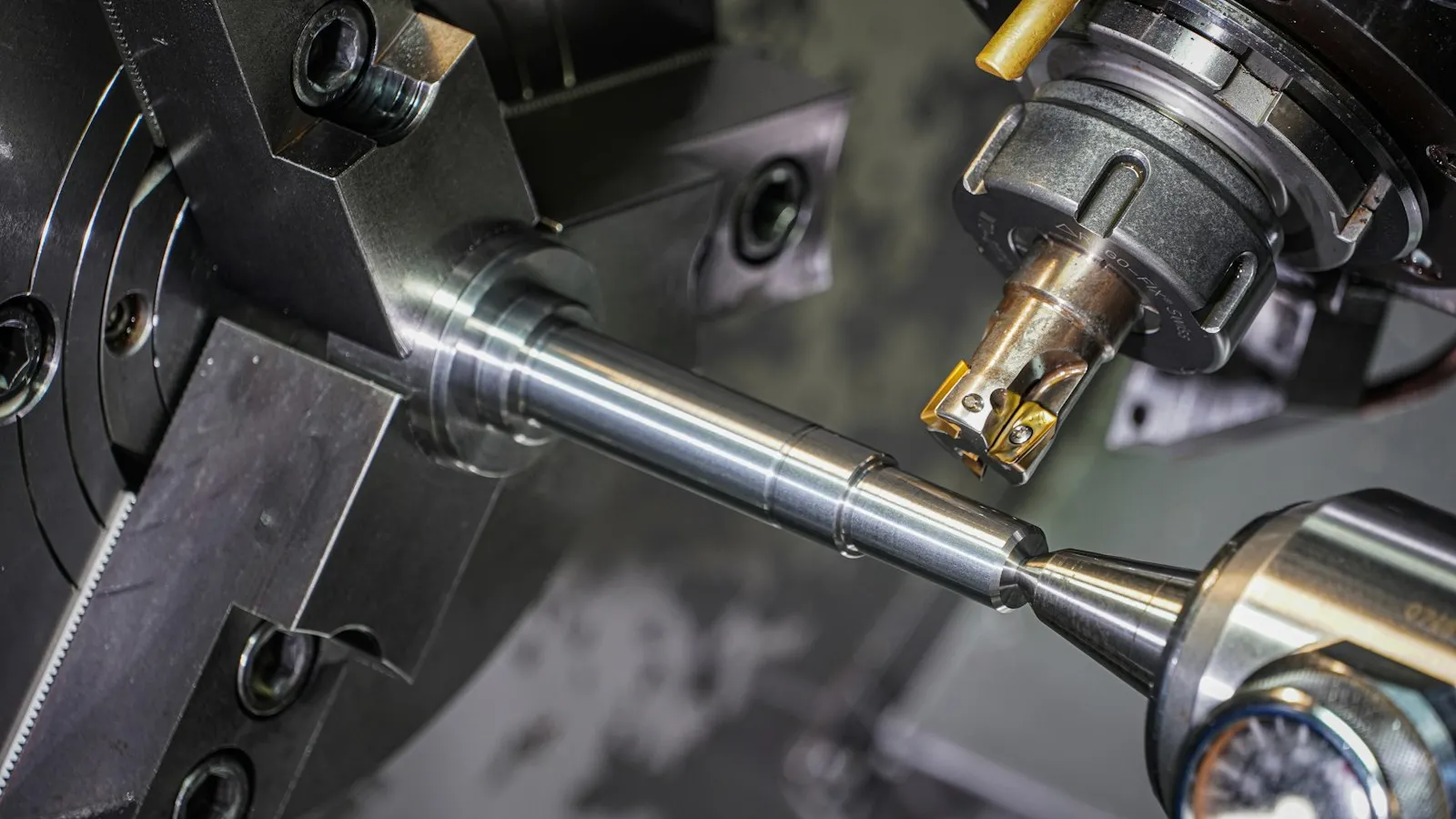
From the outside, the catalog of a company that sells cutting tools consists of thousands of products that look very much alike. Drills, end mills, inserts, and their holders each come in different diameter, length, coating, and material options. Your dealer or workshop customer, meanwhile, usually searches for a product not by name but by code. Questions like "Do you have SDMT inserts?" or "Which TPKN insert fits this holder?" come in by phone all day, and your sales team flips through catalog pages to answer them.
In this article, we look at the typical problems cutting tool companies face in dealer sales and how a B2B dealer portal speeds up the process.
What Makes Cutting Tool Sales Different?
Technical accuracy is at the heart of sales in this industry. The wrong insert or an unsuitable drill causes lost time and material on the customer's machine. That is why these needs stand out in the dealer channel of cutting tool companies:
- Finding products quickly by insert code or ISO code.
- Filtering by technical dimensions such as diameter, length, and corner radius.
- Instant access to the latest catalog and technical data sheet.
- Seeing a suitable equivalent when the requested product is unavailable.
- Knowing stock status and box quantities before ordering.
A standard e-commerce site doesn't meet most of these needs, because it defines a product with a name and a photo. In cutting tools, what defines a product is its code and dimensions. Two inserts with the same photo may differ only in grade or chip breaker type. For the dealer to see that difference, the product page must contain the correct technical information, and that information must be searchable.
Searching by Insert Code: Speaking Your Dealer's Language
The ISO code used for inserts describes an insert's characteristics in a short string of letters and numbers. The letters indicate the insert's shape, clearance angle, tolerance, and clamping type, while the numbers indicate its dimensions. Everyone working in the industry knows this language and searches for products using this code.
Having product search in the dealer portal work by this code makes a big difference. The dealer types the insert code, or part of it, into the search field and lists the matching products. For example, a dealer who types "SDMT" sees all inserts of that shape in a single list, together with their size and grade options.
How well this search works depends on how well organized your product data is. Writing codes consistently in the ERP and defining variations such as spaces and hyphens in advance make it easier for dealers to reach the right product no matter how they type the code. When moving a catalog of thousands of items into the portal, bulk product upload via Excel also saves time.
Technical Dimension Filters and Catalog PDFs
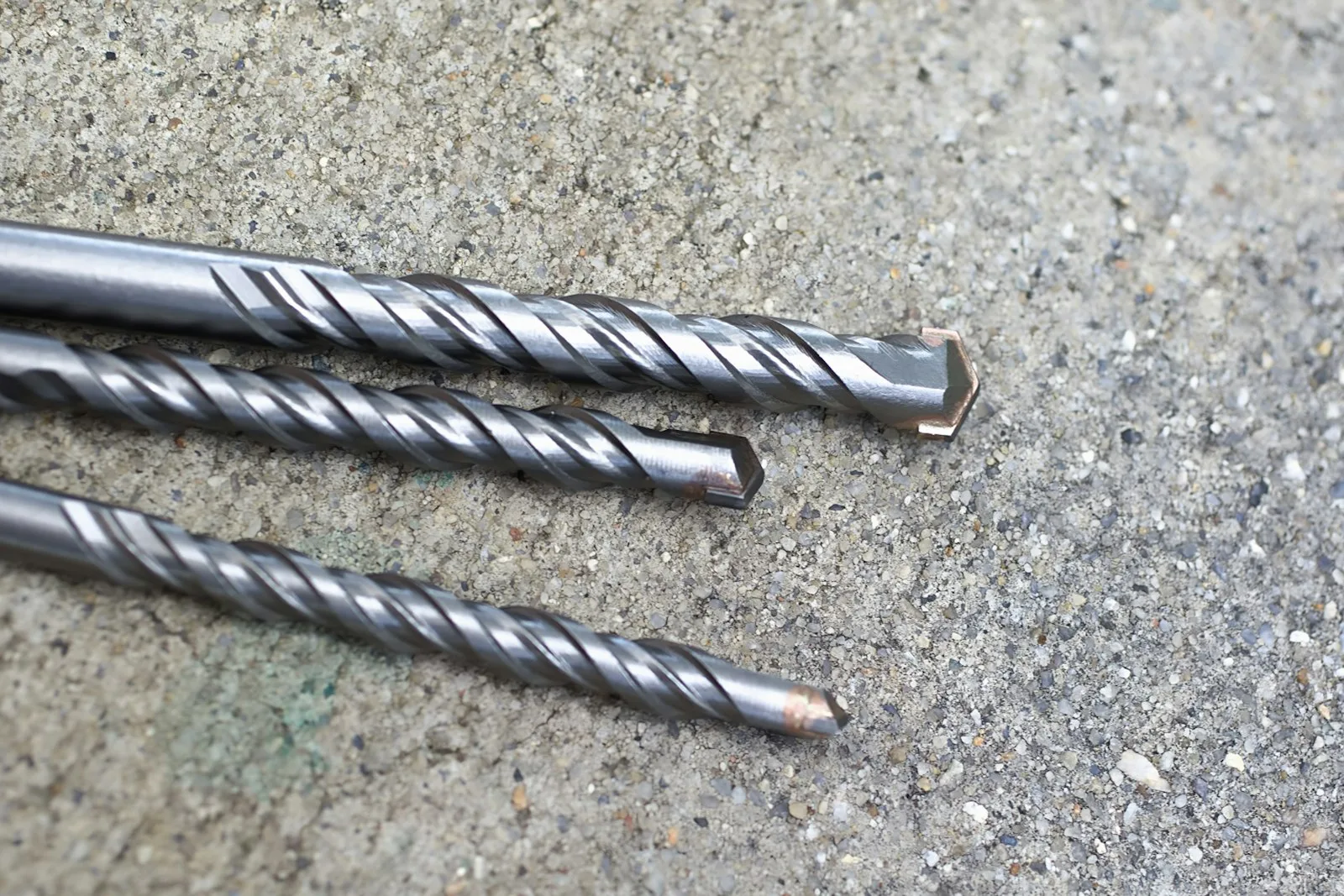
Dealers don't always know the exact code. Sometimes they come looking only for "a 10 mm diameter, carbide, four-flute end mill." This is where a parametric filter, meaning a filter system that narrows products down by their technical attributes, comes in handy. The dimension data on product pages is defined as filters, and the dealer reaches the product they need in just a few clicks.
Common Filter Examples for Cutting Tools
| Product group | Filter examples |
|---|---|
| Drill | Diameter, length, material, coolant channel |
| End mill | Diameter, number of flutes, coating, corner radius |
| Insert | Insert shape, size, grade, workpiece material |
| Holder | Clamping type, shank size, compatible insert |
With PDF and datasheet sharing on the product detail page, each product's technical data sheet can be attached to its product page. That way, the dealer doesn't have to open a separate catalog file to see cutting parameters or the dimension table. You can see which plans include features such as PDF display on product pages and tiered stock levels on the plans page.
Equivalent Products and Stock Visibility
If the requested insert is out of stock, the sale shouldn't be lost. Multistok's AI-powered product linking matches products that can be used in place of one another or that are bought together. When a dealer looks at an insert, they can see the matching holder, and if the product they want is sold out, a suitable equivalent.
Stock information comes from your ERP in real time. If you prefer, instead of the exact quantity you can show dealers tiered stock information such as 4+, 10+, 50+, or 100+. For inserts sold by the box, defining minimum and maximum order quantities prevents dealers from ordering the wrong quantity.

Managing Dealer and Field Sales Together
Field visits still matter in cutting tool sales; the field sales rep visits the workshop, sees the machine, and recommends products based on need. With Multistok's field sales rep mobile app, visits, quotes, and orders are entered in the field. The app works even without an internet connection. In addition, these features make daily work easier:
- Dealer-specific pricing, discounts, and credit limits.
- Reordering for regularly consumed inserts.
- Bulk ordering from Excel for long product lists.
- Finding a photographed product in the catalog with image-based product recognition.
You can explore other features for the machinery and industrial sector on our industry page.
Conclusion
For cutting tool companies, a good dealer portal is a system that makes it easy to find products by code and dimension, presents technical information right next to the product, and shows an equivalent when a product is out of stock. This setup reduces your sales team's phone traffic and helps your dealers order the right product faster. If you'd like to see how your own catalog would look in the portal, you can schedule a Multistok demo.