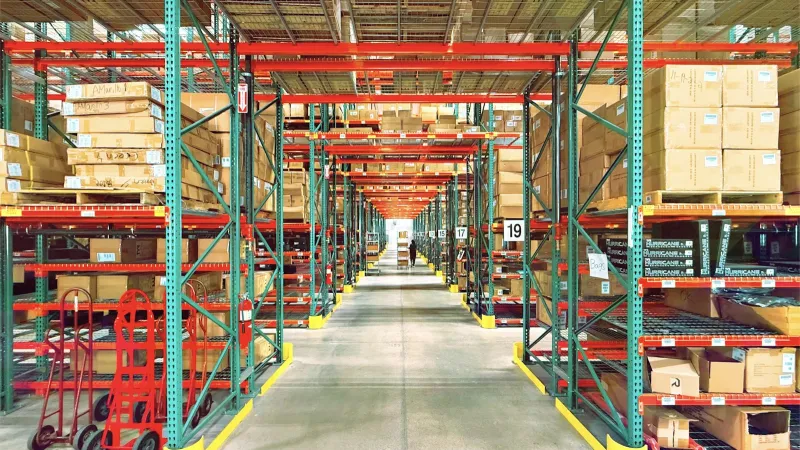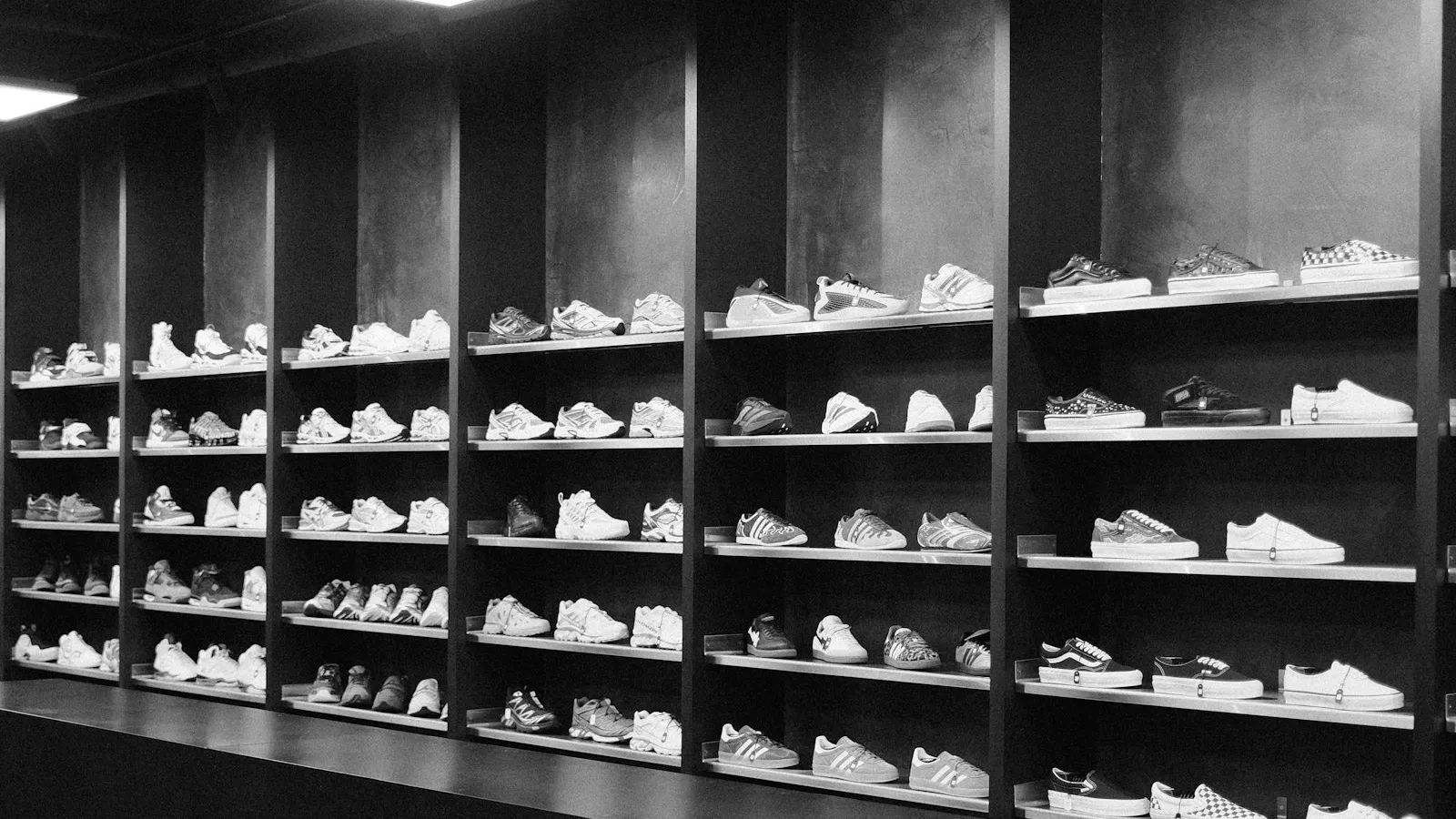
In footwear manufacturing, a single model is never just one product. When the same model is made in three colors and ten sizes, your dealer is suddenly looking at dozens of separate stock items. Add seasons that change every year, new collections, and pre-orders collected at the start of each season, and managing dealer sales over the phone, WhatsApp, and Excel gets harder and harder. The dealer asks which sizes are left, the sales rep calls the warehouse, the order is written up by hand, and the margin for error grows at every step.
In this article, we look at the typical problems footwear manufacturers face in dealer sales and how a B2B dealer portal solves them.
What Makes Dealer Sales Hard in the Footwear Industry?
Some challenges in the relationship between a footwear manufacturer and its dealers are common to almost every company:
- Too many variants: Every model multiplies into color and size combinations, and the catalog grows fast.
- Size-level stock: Sizes 38 and 39 of a model may be sold out while size 44 sits in the warehouse.
- Seasonal pressure: Orders pile up in a short window during the spring-summer and fall-winter transitions.
- Pre-order tracking: Orders taken for products that haven't been produced yet are kept in a separate file and easily get mixed up.
- Need for visuals: Dealers don't want to decide without seeing the product, and PDF catalogs go out of date quickly.
A dealer portal is an ordering screen where your dealers access this information on their own and place their orders themselves. If you're researching the concept for the first time, you can start with our article on what a dealer portal is.
Fast Ordering With a Size and Color Matrix
The most time-consuming part of a footwear order is entering quantities one by one for each size of the same model. The color and size matrix Multistok offers for textiles and apparel works as a size and color matrix for footwear. When the dealer opens a model, they see colors in rows and sizes in columns, type the quantity they want into each cell, and complete the order on a single screen.
Variant stock is visible right inside the matrix. Because stock levels for each color and size are shown in real time, the dealer never orders a sold-out size only to hear later that it's been canceled. Stock data syncs with your ERP in both directions in real time, so what's in the warehouse and what's in the portal always match.
If you sell in size runs or assorted cartons, we recommend clarifying how this setup will appear in the portal during the discovery phase of implementation.
Another benefit of the matrix is that it changes how dealers order. Vague phone orders like "two of each size" are recorded in the portal cell by cell, with exact quantities. Thanks to order PDFs and order logs, you can always see later what was ordered, when, and by whom. This cuts down on returns and exchanges caused by misunderstandings.
Season and Collection Management
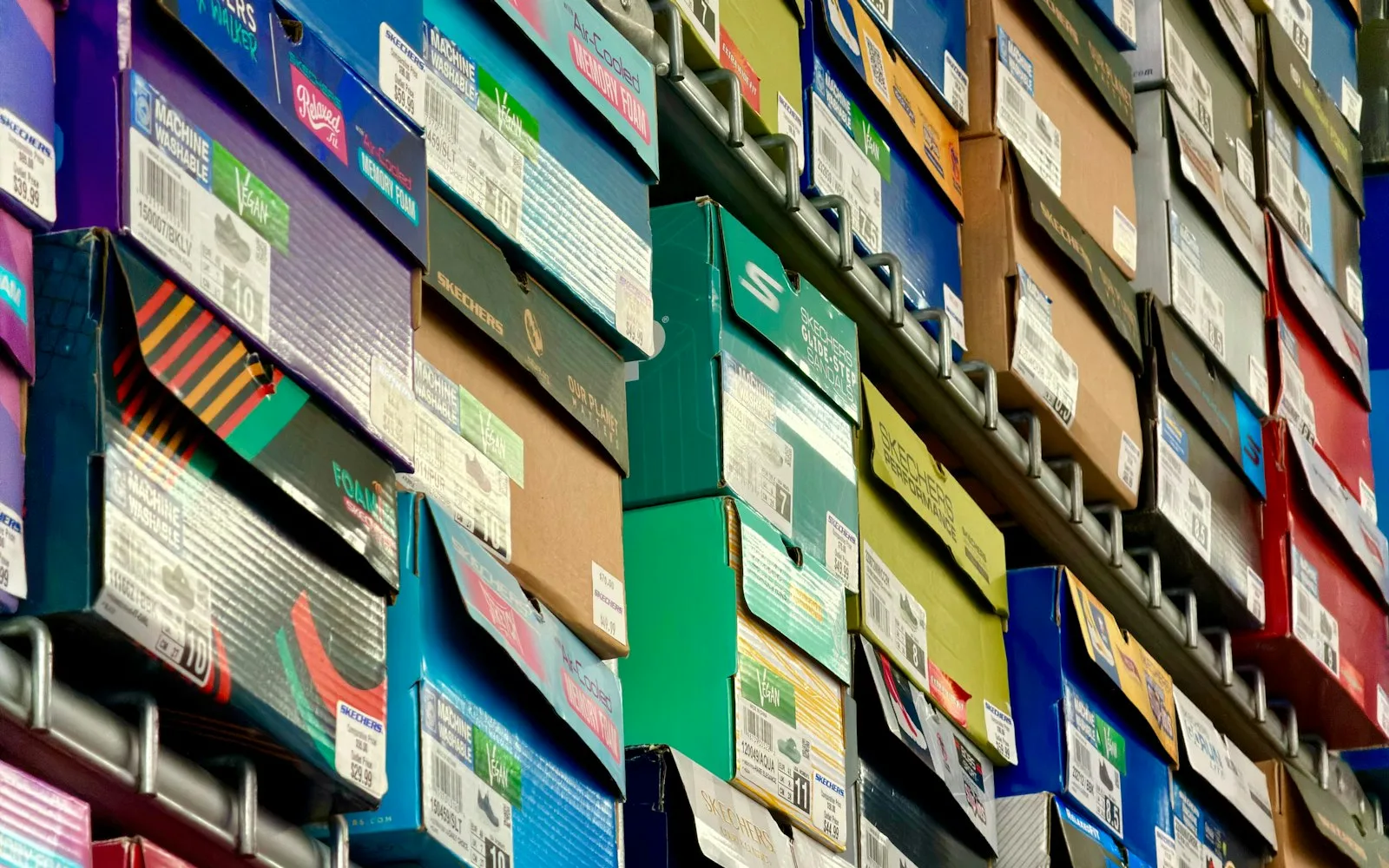
In footwear, the product life cycle depends on the season. In the portal, you can group your products by season and collection so dealers see the new collection in its own section. For products left over from last season, you can set up seasonal campaigns or quantity-based tiered discounts to make it easier to clear stock. Models you've discontinued can be hidden in the portal instead of deleted, so you keep the records in your order history while keeping them out of the dealer's view.
At trade shows or showroom visits, your dealers examine products in person. With the showroom portal, the products they like during the visit can be entered into the system directly as orders. If you have a field team, the field sales rep mobile app lets them log visits, quotes, and orders; the app also works offline and syncs data once a connection is available.
Planning Production With Pre-Orders
Many footwear manufacturers set production volumes for the new season based on pre-orders from dealers. When these orders are scattered, how many pairs of which model in which size to produce becomes guesswork.
The portal's pre-order feature lets dealers order new-season products that aren't in stock yet. By reporting collected pre-orders by model, color, and size, you can base your production plan on actual demand. AI-powered demand forecasting also looks at historical sales data to give you a sense of which sizes sell out faster.
It also pays to compare pre-order data with actual sales at the end of the season. Seeing how closely each dealer's pre-orders matched real sales helps you set production volumes and dealer stock allocations more accurately next season.
Other Features That Strengthen Dealer Relationships
Alongside the ordering screen, there are other features that make a footwear manufacturer's daily work easier:
| Feature | Benefit for Footwear Manufacturers |
|---|---|
| Dealer-specific pricing and discounts | Each dealer sees their own negotiated prices |
| Current account and credit limit | Dealers track their own balance and payment terms |
| Reorder | Best-selling models can be reordered in a few clicks |
| Bulk ordering from Excel | Large dealers upload long lists in one go |
| Returns module | Size exchanges and defective product returns are recorded |
| Image-based product recognition | Dealers easily find a model in the catalog from a photo they take |
You can explore all the features for the textile and apparel industry on our textile industry page.
Conclusion
For a footwear manufacturer, a dealer portal turns size and color complexity into an organized ordering screen, keeps a record of season changes and pre-orders, and gives your dealers the ability to find the information they need on their own. If you're curious how your collection would look in the portal, you can request a demo from the Multistok team.