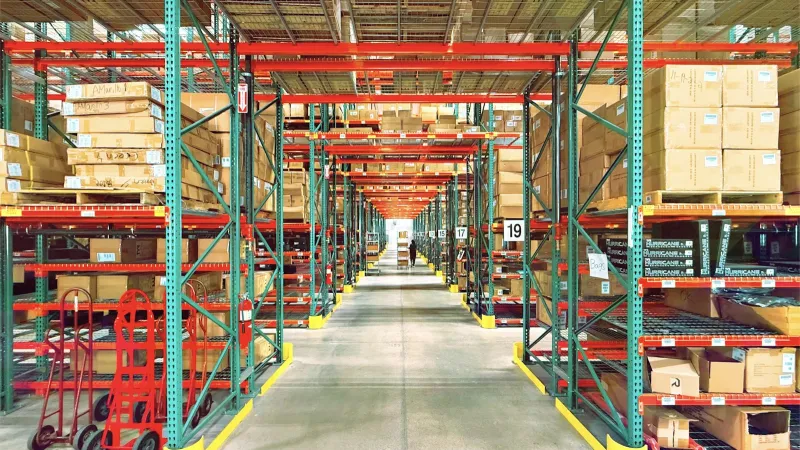
A dealer for a company that sells industrial products needs more than a way to place routine orders. They have to find the right spare part for a customer's machine, access a technical drawing or user manual, prepare an itemized quote for a large project, and report a failure covered by warranty. Each of these tasks usually starts with a phone call to the manufacturer's sales or technical team. As your dealer count grows, those calls take up most of your team's day.
In this article, we look at the challenges machinery and industrial product manufacturers face in their dealer channel and how a B2B dealer portal brings order to these processes.
What Do Dealers Really Need in Industrial Sales?
With industrial products, the buying decision depends on accuracy before price. If the wrong part is shipped, the customer's production line can grind to a halt. That's why a dealer's needs typically include:
- Finding the right part by machine model and serial number.
- Accessing technical dimensions, drawings, and documentation at any time.
- Preparing project quotes with items priced in different currencies.
- Seeing stock levels and lead times before placing an order.
- Submitting failure and warranty claims in a trackable way.
A B2B portal brings these needs together on a single screen where dealers can handle them on their own. If you'd like the big picture on B2B e-commerce, take a look at our article on what B2B e-commerce is.
Finding the Right Spare Part: Exploded-View Diagrams
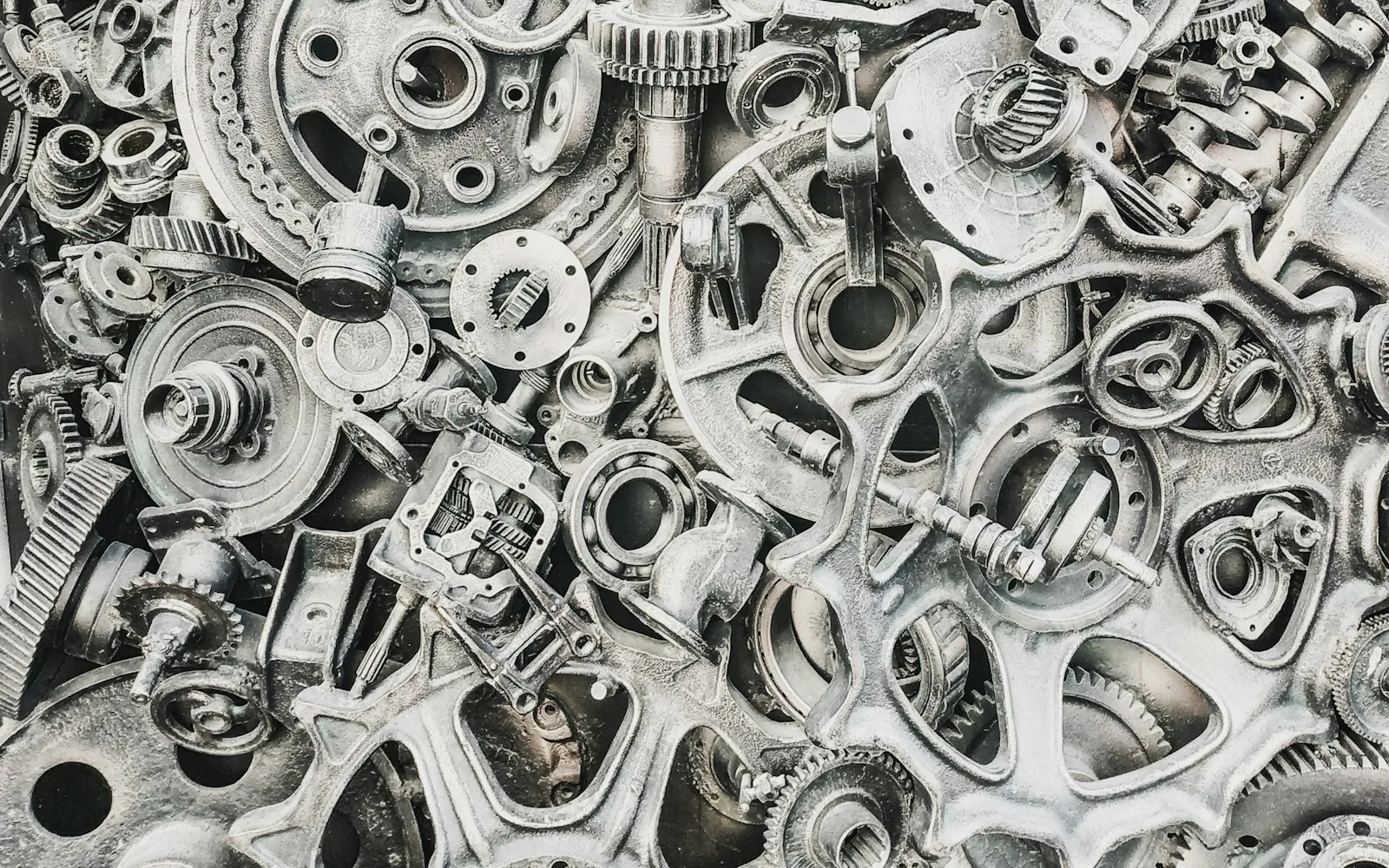
The most common problem in spare parts sales is that the dealer doesn't know the part number. The customer says "the gasket inside the pump," and the dealer calls the manufacturer. In Multistok, the spare parts exploded-view diagram shows a machine or assembly as a drawing broken down into its parts. This structure is also called a product tree or bill of materials (BOM): a list showing which parts a product is made of. The dealer finds the part they need and its number on the diagram, then adds it to the order.
Exploded-view diagrams are especially valuable for long-lived machinery. A dealer looking for a part for a machine sold years ago checks the current diagram instead of an old catalog page or the memory of a retired employee.
This approach reduces the risk of wrong orders and wins back the time your technical team spends looking up part numbers. Because stock data syncs with your ERP in real time, the dealer also sees at the same moment whether the part is in the warehouse.
Technical Document Library and Project Quotes
Documents such as user manuals, technical drawings, certificates, and maintenance instructions usually get lost in email attachments or shared folders. With the technical document library, you can link these documents to products and store them in the portal. When the dealer opens a product page, they can also reach the related documents; since they always see the latest version, the risk of working from an outdated drawing goes down.
In industrial sales, large orders usually start with a quote. Multistok's quote module lets you prepare itemized, multi-currency project quotes; for example, the machine body can be priced in euros and locally sourced components in Turkish lira. The quote is generated as a PDF, its versions are tracked, it goes through an approval workflow, and it's sent to the customer via WhatsApp or email. That way, you don't need a separate spreadsheet to track which quote is at which stage.
After the Sale: Service, Warranty, and Maintenance
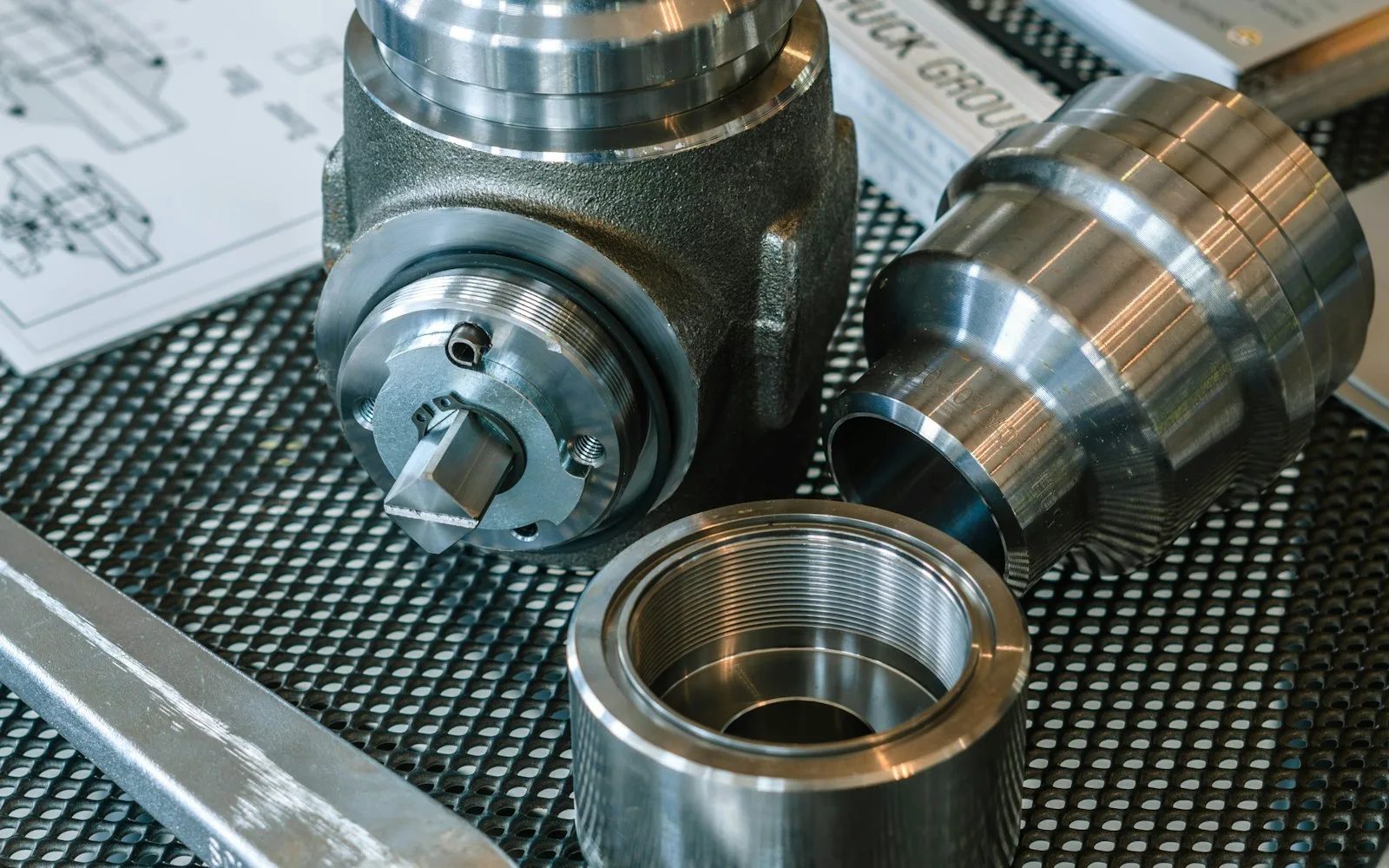
An industrial manufacturer's relationship with its dealers continues after the sale. Three portal features stand out for this stage:
| Feature | What It Provides |
|---|---|
| Service and failure requests | Dealers report failures through the portal, and the status of each request is tracked on record |
| Serial number-based warranty | A product's warranty status is looked up by serial number |
| Periodic maintenance reminders | Automatic reminders are sent for products due for maintenance |
Maintenance reminders also make spare parts and consumables sales more regular. Dealers don't miss maintenance dates, and you can plan ahead for the parts that will be needed during that period.
Having service requests come through the portal also makes your technical team's workload more visible. From the records, you can see which failures recur most often on which products and which dealers ask for more support. This information is a valuable resource for both product development and dealer training.
Managing the Commercial Side in the Same Place
Alongside the technical features, commercial processes live in the portal too. You can set dealer-specific prices, discounts, and credit limits. On the current account screen, dealers see their own balance, payment terms, and outstanding debt, and they can pay via virtual POS. e-Invoice, e-Archive invoice, and e-Dispatch note documents are generated in compliance with the Turkish Revenue Administration (GİB). For your field team, the field sales rep mobile app makes it possible to enter quotes and orders during customer visits, and it works offline as well.
You don't have to roll everything out at once when you start. One option is to launch ordering, pricing, and current accounts first, then add exploded-view diagrams and the document library step by step, product group by product group. Implementation starts with discovery and analysis, continues with integration and configuration, and your dealers are onboarded with training in Turkish.
You can find all the features for the machinery and industrial sector on our machinery and industrial sector page.
Conclusion
For industrial manufacturers, a dealer portal isn't just for taking orders. It's for finding the right part, sharing technical information, speeding up project quotes, and organizing after-sales service. When these tasks come together in one system, both your dealers and your technical team save time. To see a setup tailored to your product structure, you can request a demo from the Multistok team.