"Our portal supports 14 languages" sounds simple: you pick a language, and the screen switches to it. In reality, multilingual B2B software has two separate layers. One is the translation of the software itself; the other is the translation of your product and content data. A multilingual project that doesn't distinguish between these two layers ends up with half-translated screens.
In this article, we explain how multilingual B2B software works behind the scenes, how you should set up your translation workflow, and what to watch for from a search engine perspective. We covered the commercial and tax side of international sales in our article on opening your B2B portal to international dealers.
The Difference Between Interface Translation and Content Translation
In a multilingual system, every piece of text you see on screen comes from one of two sources:
- Interface text: Menus, buttons, form labels, warning messages, order steps, and system emails. These are part of the software and are translated by the software provider.
- Content text: Product names, descriptions, technical specifications, category names, campaign announcements, and product documents. This is your data, and translating it is your responsibility.
| Topic | Interface Translation | Content Translation |
|---|---|---|
| Scope | Menus, buttons, warnings, system emails | Product names, descriptions, specs, categories, campaigns |
| Who prepares it? | The software provider | Your company (product, marketing, or translation team) |
| How often it changes | Rarely, with software updates | With every new product and campaign |
| Impact of errors | Usability issues | Wrong product orders, returns, loss of trust |
This distinction has another important consequence: system emails and notifications. An order confirmation, shipping notice, or payment reminder sent to a dealer takes its template from the interface layer and the product names inside it from the content layer. If product names haven't been translated, a German email will contain a list of Turkish product names. That's why you need to check both layers together when testing notifications.
Similarly, a dealer's language preference should determine not only the screen language but also the language of the documents and messages sent to them. When language preference is stored per user, even different employees at the same dealer can work in different languages.
The phrase "14 languages" usually means the interface is ready in those languages. How many languages your content is published in, and at what quality, depends on your plan.
How Does Product Data Become Multilingual?
In B2B, product data mostly comes from the ERP. But the product name in the ERP is usually in a single language and often written in abbreviated form for accounting or warehouse use. That's why, in a multilingual setup, product data is split into two parts:
- Language-independent fields: Stock code, barcode, price, stock quantity, weight, and dimensions. These come from the ERP and are the same in every language.
- Language-dependent fields: Product name, description, attribute labels, variant names (such as color or size), and category names. These are stored separately for each language.
A well-designed system falls back to the default language for any field whose translation hasn't been entered yet. That way, no blank fields appear on screen; however, you also need to be able to report which products are missing translations. We explained how much weight product content carries in sales in our article on why product information drives B2B sales.
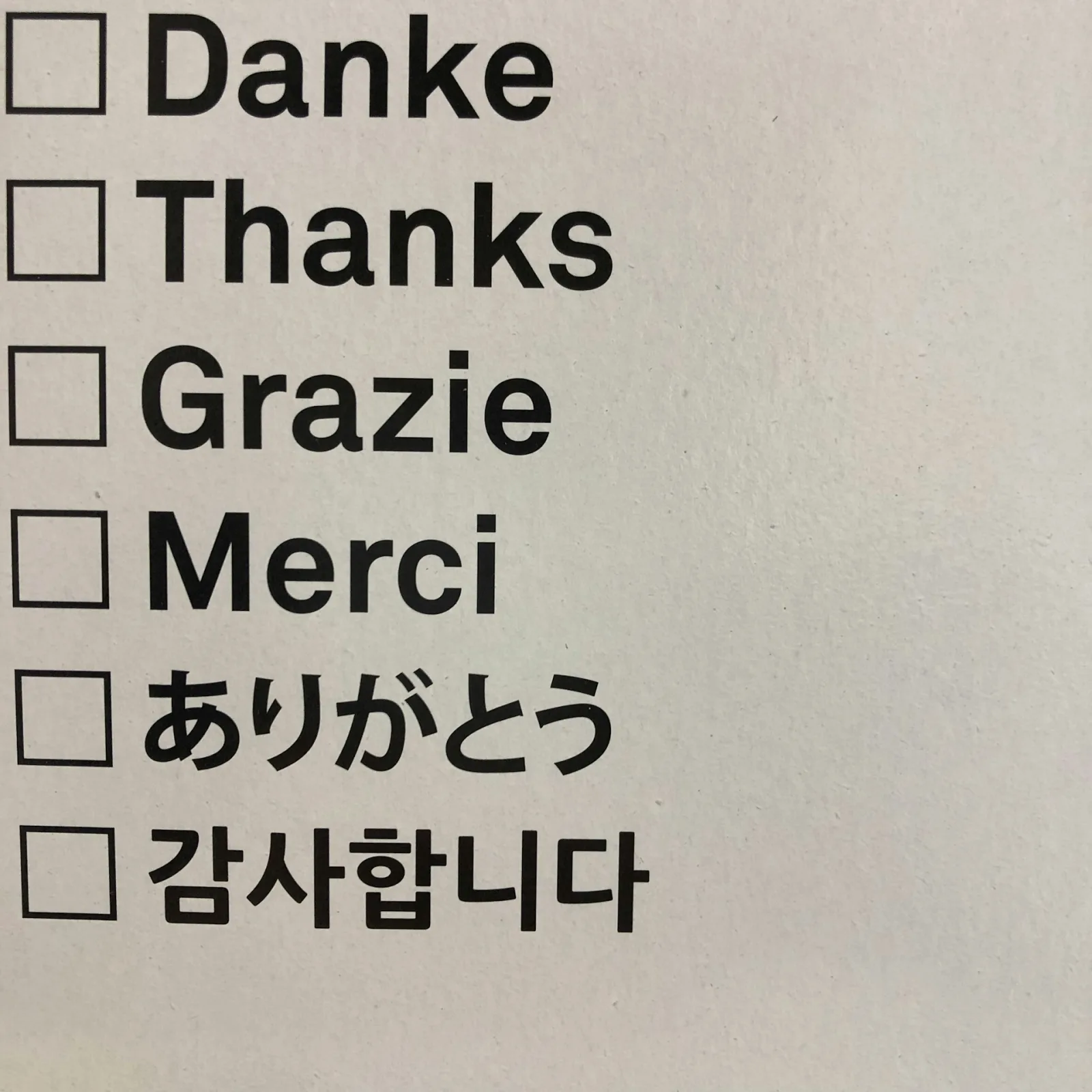
Language Isn't Just Words: Formatting Differences
The job isn't done when translation is finished. Different markets read the same information in different formats:
- Number and decimal separators: An amount written as 1.250,50 in Turkey is read as 1,250.50 in many English-speaking markets.
- Date format: 03.04 means April 3 in some countries and March 4 in others. For payment terms and delivery dates, this difference causes serious confusion.
- Units: If you serve markets that use metric and imperial measurements, you need to decide which unit to show in technical specifications.
- Text direction and character set: If your target languages include right-to-left languages or ones that use a non-Latin alphabet, you also need to account for this in product images and PDF documents.
Setting Up the Translation Workflow
For a company with hundreds or thousands of products, translation isn't a one-time project but an ongoing process. These steps make the job easier:
- Set priorities: Instead of translating the entire catalog at once, start with the best-selling product groups in your target market.
- Build a glossary: Define the equivalent of your industry's technical terms in each language once. Referring to the same part by three different names confuses dealers.
- Use machine translation as a draft: Machine translation saves time, but for technical products it must always be reviewed by someone who knows the language.
- Set a rule for new products: A product shouldn't be opened to international dealers until its required fields are filled in the target languages.
- Report gaps regularly: Periodically check how many products are missing translations in each language.
Product documents are part of this workflow too. If you share technical data sheets or user manuals as PDFs, you need to keep a separate file for each language. We covered this topic in our article on adding PDFs to product details.

The SEO Side: hreflang and URL Structure
Since most B2B portals sit behind a dealer login, search engines can't see those pages anyway. But if you have a public product catalog or marketing pages, multilingual SEO becomes important:
- A separate URL per language: Each language version should have its own URL, for example subfolders such as domain/en/ or domain/de/. If the language changes only through a cookie or browser setting at the same address, search engines have a harder time seeing the other versions.
- hreflang tags: These tags tell search engines which pages are a page's equivalents in other languages. When set up correctly, German users are shown the German version. For users who don't match any language, a default version is defined with x-default.
- Real translation: Pages where only the title is translated and the body remains in Turkish mislead both users and search engines.
If your public catalog pages are published on your own domain, you can find the domain side of this setup in our article on using a B2B portal on your own domain.
Multilingual Structure in Multistok B2B
Multistok B2B offers its interface in 14 languages and provides multi-currency support with TRY, USD, and EUR exchange rates. While stock, price, and order data sync with your ERP in both directions, your dealers use the portal in their own language and in the currency assigned to them. Which languages are active and how product content is managed by language are configured during setup according to your needs. With higher-tier plans, you can also publish the portal on your own domain.
Conclusion
Multilingual B2B software comes with interface translation ready to go; what really drives sales is the translation of your product content. Separating language-independent and language-dependent data, working with a glossary, accounting for formatting differences, and setting up hreflang and the right URL structure on public pages form the foundation for selling in many languages from one panel.
To see how your portal will look to your dealers in different languages, you can request a free demo.
Frequently Asked Questions
Does 14-Language Support Mean My Products Will Be Translated Automatically?
No. 14-language support means the interface is ready in those languages. Content such as product names, descriptions, and campaign text is your data and needs to be translated into your target languages.
Is Machine Translation Good Enough for B2B Product Content?
It's useful for creating drafts, but it can make mistakes with technical terms. Especially for dimensions, materials, and compatibility information, a review by someone who knows both the language and the product is recommended.
Is hreflang Necessary for Every B2B Portal?
Dealer screens that require a login don't need hreflang, since they don't appear in search engines. It is necessary if your public catalog or marketing pages are published in more than one language.
Can Each Dealer Choose a Different Language?
In multilingual systems, language preference is usually stored per user. That way, on the same portal, a German dealer can work with a German interface and a French dealer with a French one.