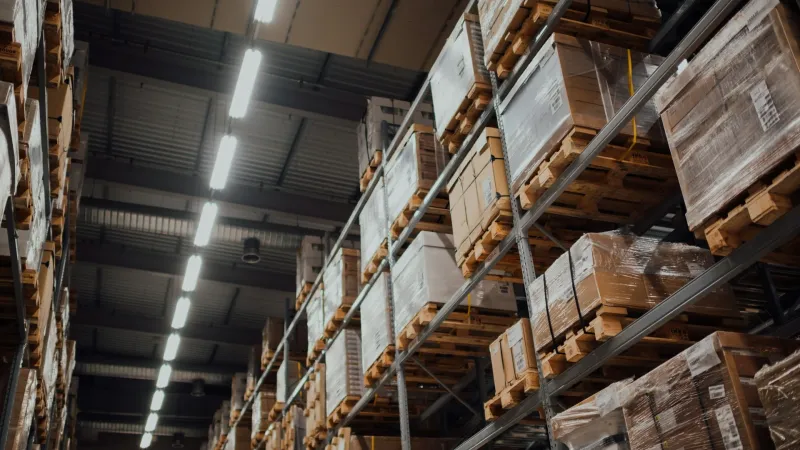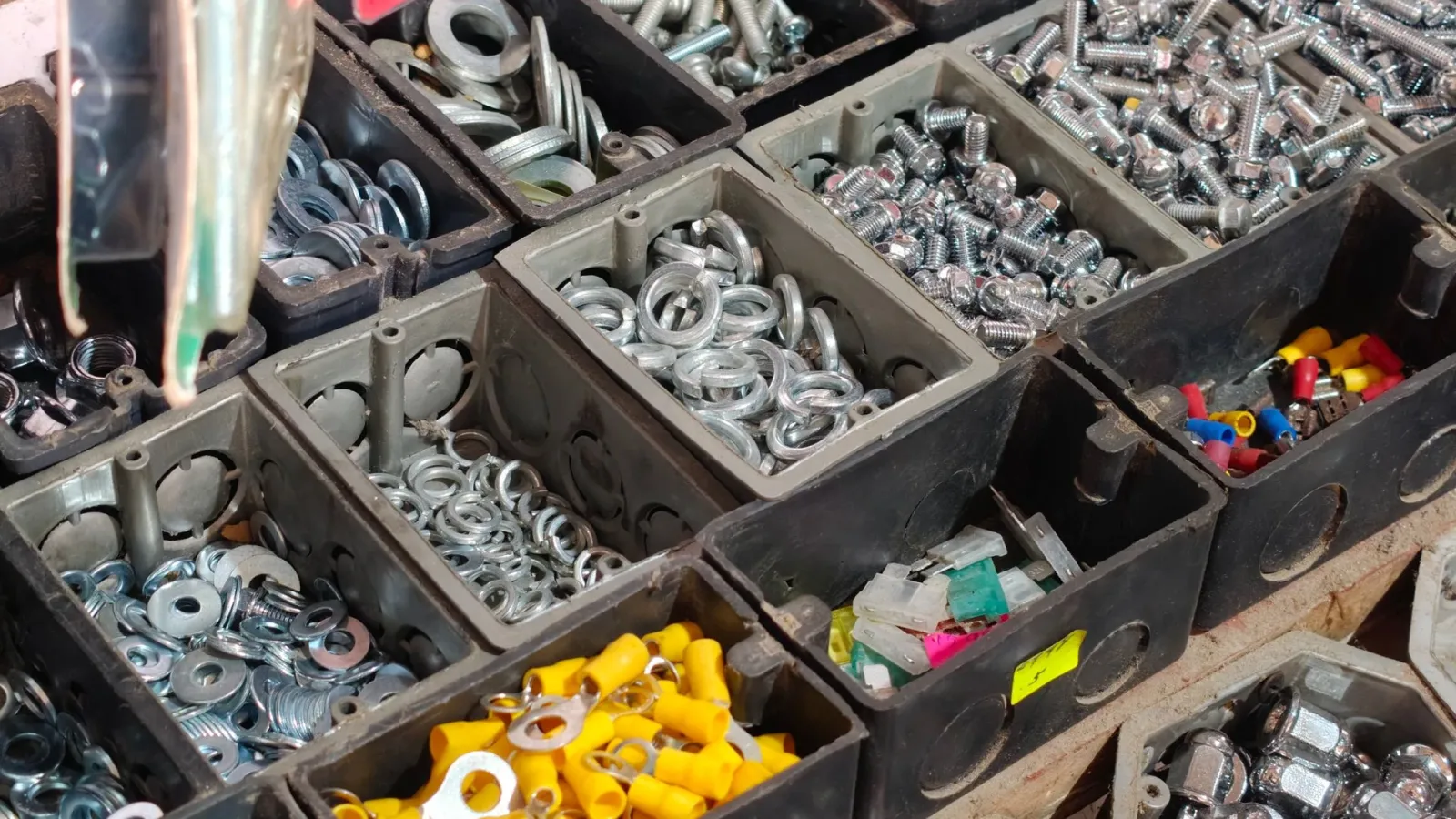
Hardware wholesale is one of the B2B businesses with the largest number of products. A single warehouse holds tens of thousands of items, most of them screws, wall plugs, gaskets, or clamps costing only a few TRY each. Your hardware store customers, meanwhile, place orders every day by phone, via WhatsApp, or with a handwritten list given to your field sales rep. In this article, we look at the real bottlenecks in the ordering process for hardware wholesalers and how B2B software can solve them.
What Makes Hardware Wholesale Different?
Most industries work with a few hundred products, and every order has a high value. In hardware, the picture is reversed: a huge number of products, low unit prices, and many order lines. Seeing 40-50 different items in a single hardware store order is perfectly normal.
As a result, the effort spent per order is very high relative to the profit. Writing down a list dictated over the phone, such as "three packs of 6 mm wall plugs and two boxes of 4x40 chipboard screws," finding the right products, and entering them into the ERP takes minutes. On top of that, every customer calls the same product by a different name.
- Product variety: The same screw comes in dozens of lengths, diameters, and finishes.
- Low cart value: Because the amount per item is small, the cost of taking the order quickly erodes the profit.
- Frequent, small orders: Hardware stores do not want to hold stock, so they order several times a week as needs arise.
- Naming confusion: "Drill bit," "boring bit," and "auger bit" can all describe the same product group.
Standardizing Product Names and Codes
The most valuable thing you can do before moving to a B2B portal is to get your product records in order. Writing dimensions, material, and finish in the same order in every product name (for example, "Chipboard screw, 4x40 mm, yellow zinc") directly improves search accuracy. Duplicate records should be merged, and products that no longer sell should be deactivated.
This cleanup is usually done in the ERP and carried over to the portal through the integration. It takes some effort, but the payoff is big: the hardware store finds what it is looking for on the first try, and the need to confirm orders by phone drops. We explained what to watch out for when moving from Excel to a system in our article Moving from Excel to Software.
How Do Hardware Store Customers Place Orders?
The hardware store owner usually prepares the order list behind the counter while serving customers. They notice a product running low on the shelf, jot it down on a piece of paper, and call the wholesaler in the evening. This habit has been around for years; a new system should make it easier without forcing it to change.
That is why three things stand out in a B2B portal designed for hardware: fast search, reordering past orders, and bulk adding. A hardware store should be able to add last week's 30-item list to the cart with a single click and change only the quantities. Being able to search with part of a product code or name is far more practical than browsing long category menus.
Your larger customers, on the other hand, often prepare their orders in their own Excel files. Bulk order upload via Excel lets them transfer a list of hundreds of lines into the cart in one go.
Fast Ordering by Barcode
For hardware stores whose shelf products have barcodes, the fastest method is to scan the barcode of a product that is running low and add it to the cart. In a good system, searching by barcode or product code should find the product within seconds. This method also eliminates naming confusion, because the barcode is the same for everyone.

Cases, Packs, and Units: Solving the Unit-of-Measure Confusion
In hardware, the same product is sold in different units. Screws come in boxes of 100, and the boxes come in cases of 10; some customers want individual units, some want boxes, and some want cases. If the unit definition is not clear, an order for "5 screws" raises the question of whether that means 5 pieces or 5 boxes, and a wrong shipment becomes inevitable.
On the portal, the sales unit, quantity per case, and any minimum order quantity should be clearly visible for each product. The table below summarizes common unit setups:
| Product example | Base unit | Inner pack | Wholesale unit |
|---|---|---|---|
| Chipboard screw 4x40 | Piece | Box (200 pieces) | Case (20 boxes) |
| Plastic wall plug 6 mm | Piece | Pack (100 pieces) | Case (50 packs) |
| Silicone cartridge | Piece | — | Case (24 pieces) |
| Garden hose | Meter | Roll (25 m) | — |
When the unit setup is right, the price is calculated correctly too. Offering a lower unit price to customers who buy by the case is easy to manage with tiered quantity discounts.
Seasonal Products and Stock Visibility
Hardware sales fluctuate with the seasons. In spring, garden hoses, shovels, and pruning shears take the lead; in autumn, stove pipes, snow shovels, and insulation materials come to the fore. Holding the right stock at the start of the season and announcing it to customers on time directly affects revenue.
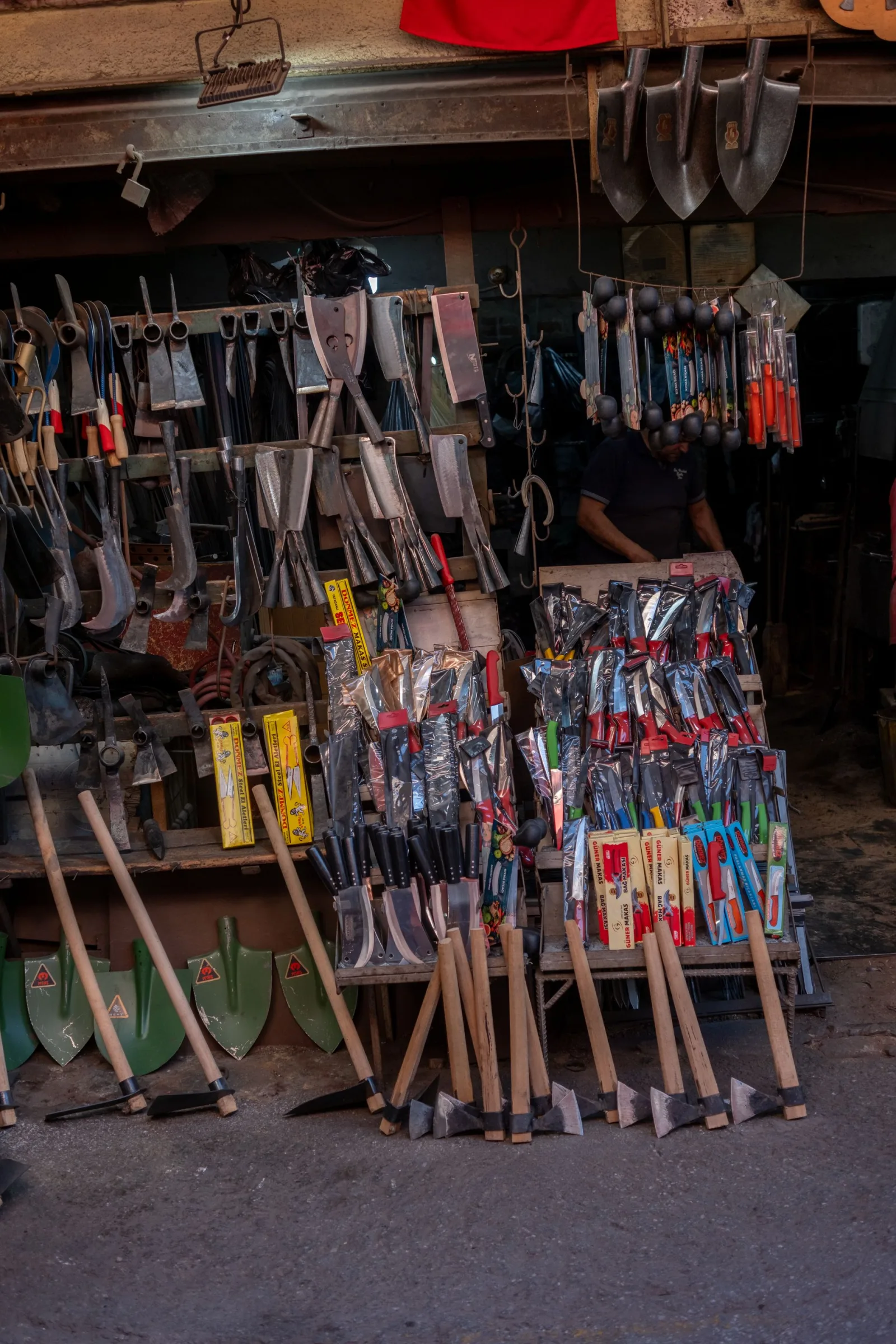
Before ordering a seasonal product, a hardware store wants to know whether it is in stock. If stock data is updated with a delay, products that are not available get sold, followed by an apologetic phone call. We covered this topic in detail in our article What Happens When Stock Data Isn't Updated in Real Time. A portal that runs in sync with your ERP ensures that the stock the hardware store sees matches the actual stock in the warehouse.
Seasonal campaigns can also be managed through the portal. Cart-based discounts or tiered rules such as "an extra discount for buying 10 cases from the garden group" mean your field sales rep no longer has to do the math case by case.
How Do Field Sales Reps and the Portal Work Together?
In hardware, field sales is still very important. The field sales rep shows new products to the hardware store, collects payments, and keeps the relationship warm. A B2B portal does not replace the rep; it frees up their time from writing orders so they can focus on selling.
While the hardware store places routine repeat orders on the portal itself, the rep can focus on introducing new products and collecting payments during visits. With the mobile app, the rep can see the customer's account balance, past orders, and special prices in the field. Since most hardware stores work on payment terms, the account balance and credit limit are also part of daily business. When customers can see their balance on the portal themselves, "How much do I owe?" calls decrease, and credit limit overruns are caught at the moment of ordering. If you are curious about the field sales rep role, take a look at our article What Is a Field Sales Rep and What Is Field Sales?
What Does Multistok B2B Offer Hardware Wholesalers?
Multistok B2B is an ordering portal built for wholesalers that work with a large number of products. Thanks to two-way synchronization with widely used ERPs such as Logo, Mikro, and Netsis, stock, price, and order data flows from a single source. You can find use cases specific to the construction and hardware industry on our construction and hardware industry page.
- Hardware store-specific price lists, discounts, and credit limits
- Bulk ordering via Excel and tiered quantity discounts
- A field sales rep mobile app that also works offline
- Current account, payment term, and balance tracking; online collection via virtual POS
- AI-powered product recommendations and cross-selling (for example, suggesting the right wall plug along with a screw)
- A document flow compliant with the Turkish Revenue Administration (GİB) through e-Invoice, e-Archive invoice, and e-Dispatch note
Conclusion
In hardware wholesale, profit comes from reducing the effort spent per order. B2B software that presents tens of thousands of items with the right units and prices, cuts a hardware store's repeat order down to seconds, and frees field sales reps from writing orders lets you serve far more customers with the same team. If you would like to see how it would work with your own product structure, you can request a free demo.
Frequently Asked Questions
Do I Need to Enter Tens of Thousands of Products into the B2B Portal One by One?
No. Products, prices, and stock are transferred automatically through ERP integration. Additional information such as images and descriptions can also be uploaded in bulk.
Can My Hardware Store Customers Learn to Use the Portal?
Seeing their own prices, stock, and account balance on a single screen is more practical for a hardware store than ordering by phone, and bulk order upload via Excel speeds up long lists. During the transition period, having the field sales rep place the first order together with the customer helps them get used to it faster.
Can I Define Case and Unit Prices Separately?
Yes. With tiered quantity discounts, you can offer a lower unit price to customers who buy by the case. The unit setup is determined during installation based on your product structure.
Can My Field Sales Reps Take Orders When There Is No Internet in the Field?
Yes. The field sales rep mobile app works offline; orders are transferred to the system once a connection is available.